 04 June 2026
 Share
Share
1
Creating a home office that is both cozy and productive can significantly enhance your work-from-home experience. Whether you’re setting up a space for occasional use or daily work, making thoughtful choices can improve focus, comfort, and overall satisfaction. Here are some practical tips to help you design a home office that suits your needs.
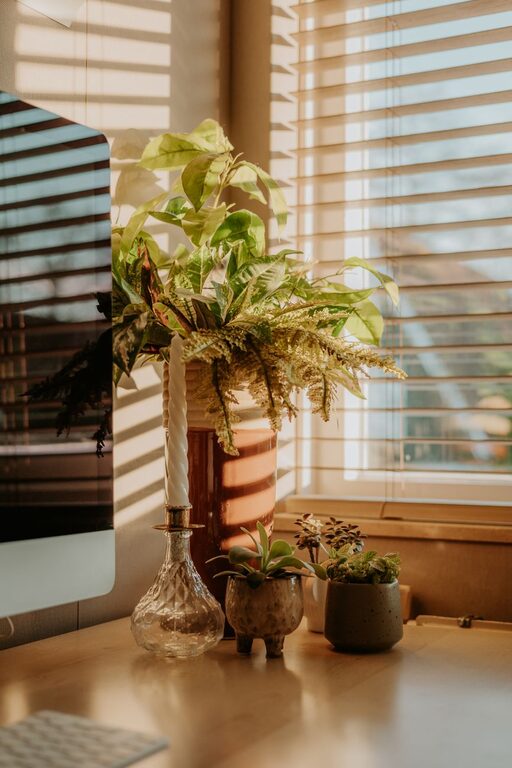
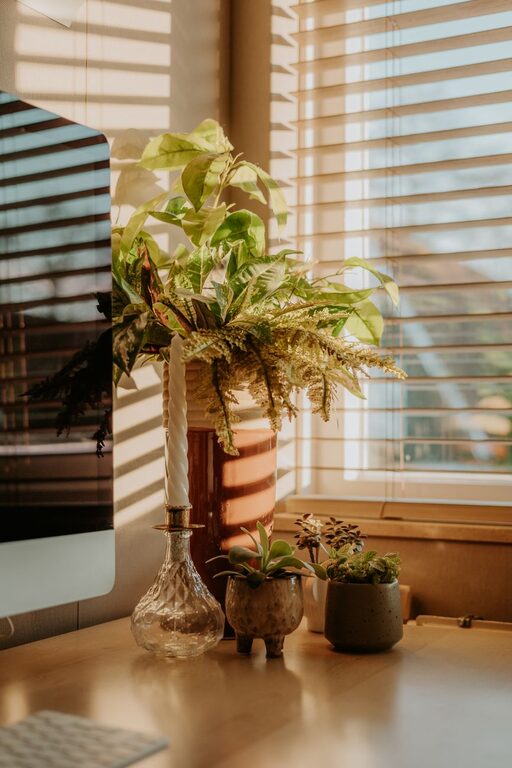
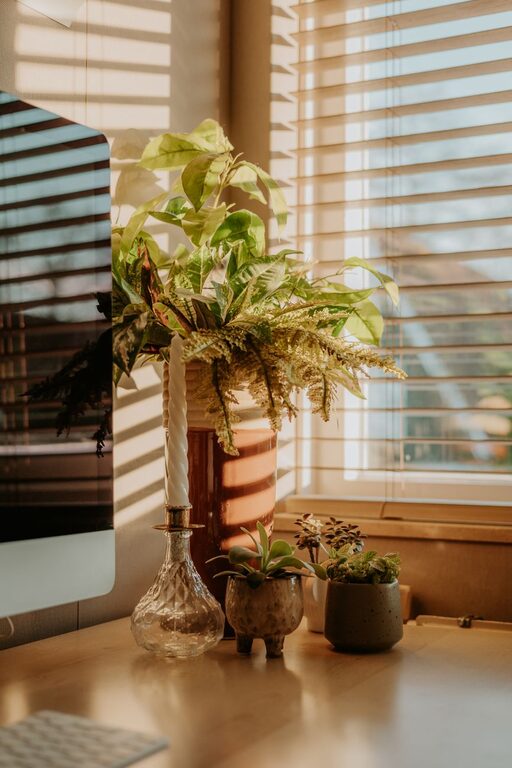
Select a spot in your home with plenty of natural light, if possible. Exposure to sunlight can improve mood and energy throughout the day. Position your desk near a window to make the most of daylight but avoid glare on your computer screen.
Look for a quiet corner or room that is away from high-traffic areas, noisy appliances, or family activity. This will help you concentrate better and set clear boundaries between work and personal life.
A good office chair supports your back and encourages proper posture. Look for adjustable features to customize height, lumbar support, and armrests. Comfort reduces fatigue and helps maintain focus during long hours.
Your desk should offer enough space for your computer, documents, and any tools you regularly use. Consider height and surface area to ensure comfort and organization. Standing desks or adjustable desks are an option for those who like to alternate between sitting and standing.
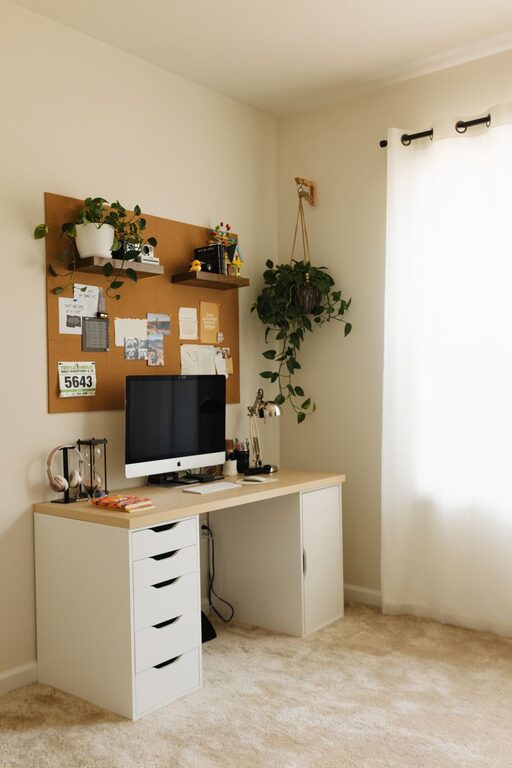
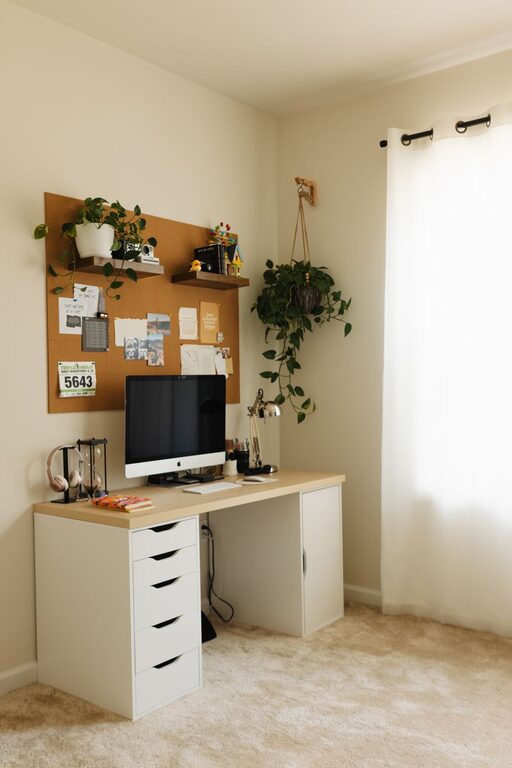
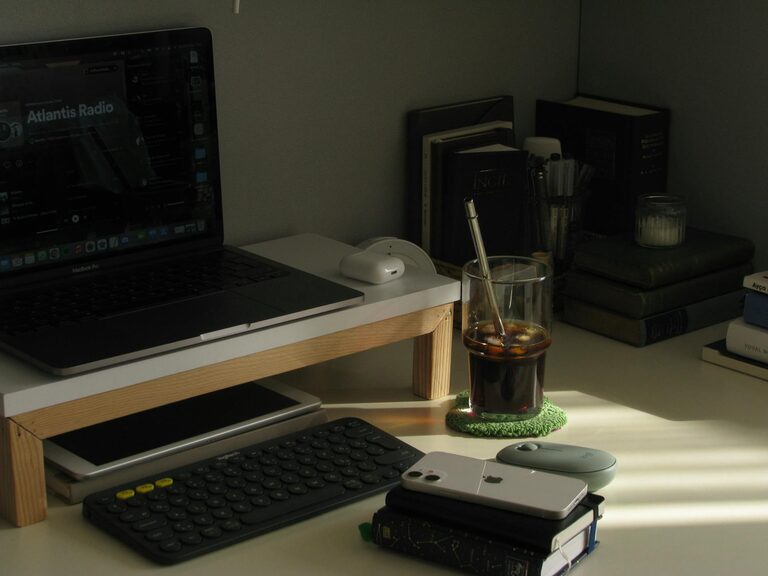
Keep only essential items on your desk to avoid distractions. Use storage solutions like drawers, shelves, or organizers to store supplies neatly and within reach.
Tidy up cords and cables with clips, sleeves, or boxes. A cleaner space visually reduces stress and creates a safer environment around electronic equipment.
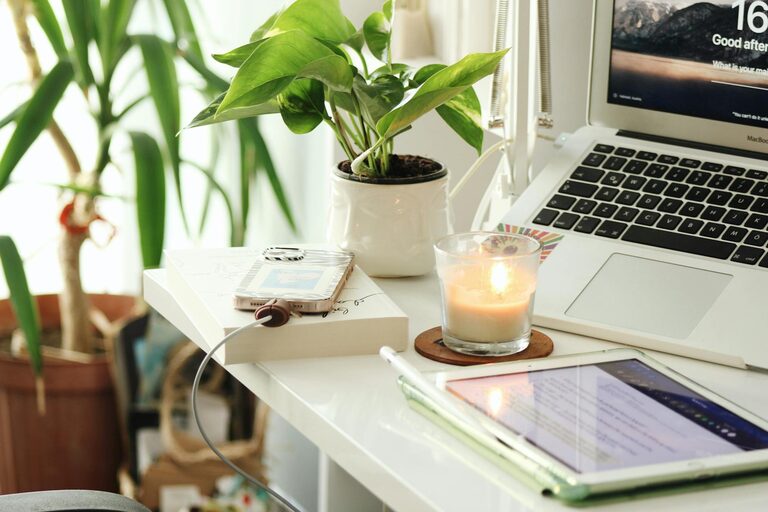
Incorporate artwork, plants, or personal mementos that make the space inviting. A touch of greenery, such as a small potted plant, adds life and may even improve air quality.
Soft, neutral colors like pale blues, greens, or creams help create a calming atmosphere. Avoid overly bright or distracting colors unless they boost your energy and creativity.
Combine ambient lighting (like ceiling lights) with task lighting (such as a desk lamp) to reduce eye strain. Adjustable lamps allow you to focus light exactly where it’s needed.
Warm or natural-colored light bulbs mimic daylight and can make the room feel cozy. Avoid harsh, fluorescent lighting that may cause headaches or fatigue.
Invest in a reliable computer, keyboard, and mouse that suit your workflow. Good equipment can minimize frustration and improve speed and accuracy.
Periodically update software and perform maintenance to prevent slowdowns or glitches. Backup important files regularly to safeguard your work.
Establish regular start and end times to maintain a healthy work-life balance. Communicate your schedule with others in your household.
Schedule short breaks to stretch, walk, or relax your eyes. This helps prevent burnout and maintains productivity throughout the day.
Ensure your office has proper ventilation. If windows can’t be opened, consider an air purifier to keep the environment fresh.
Adjust heating or cooling to keep the space comfortable, ideally between 68 and 72 degrees Fahrenheit (20–22 degrees Celsius). Being too hot or too cold can distract you from work.
—
By combining comfort, organization, and functional design, your home office can become a space where you enjoy working while achieving your goals efficiently. Make adjustments that feel right for you, and remember that small changes can lead to big improvements in how you work each day.