 04 June 2026
 Share
Share
1
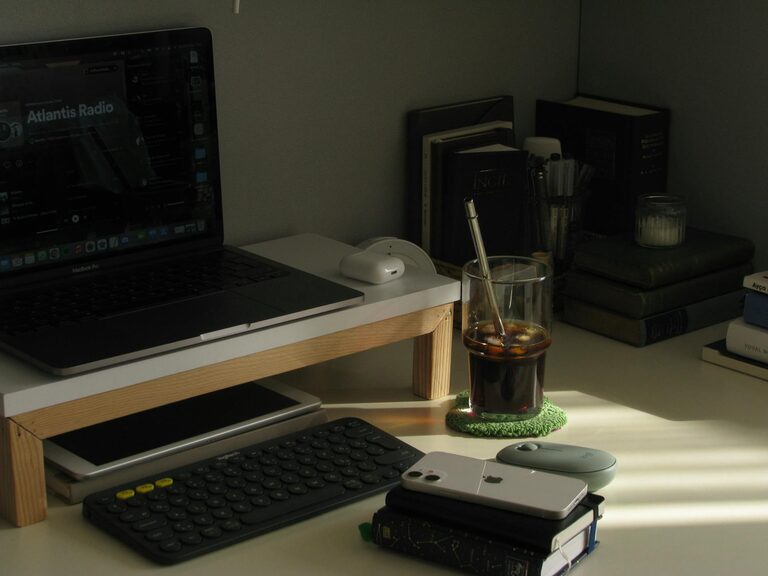
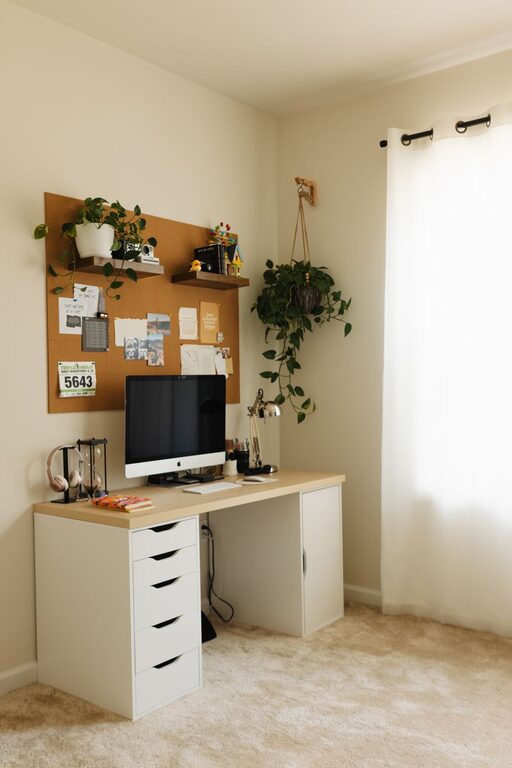
Creating a home workspace that is both cozy and productive can significantly improve your work-from-home experience. Whether you’re working remotely full-time or need a dedicated spot for occasional tasks, a thoughtfully designed area helps maintain focus and motivation. In this guide, we’ll explore practical tips to help you set up a comfortable yet efficient workspace right in your home.
Your environment has a big impact on how well you work. A cluttered or uncomfortable space can lead to distractions and decreased motivation, while a workspace that feels inviting can enhance creativity and concentration. The goal is to strike a balance — crafting a space that motivates you without feeling sterile or stressful.
Whenever possible, select a spot with plenty of natural light. Sunlight not only helps regulate your circadian rhythm but also improves mood and alertness.
– Position your desk near a window.
– Use sheer curtains to reduce glare while still letting light in.
– Avoid placing your monitor directly in front of or behind the window to minimize eye strain.
A quieter area in your home allows for better focus.
– Choose a room away from high-traffic zones like the kitchen or living room.
– Consider noise-canceling headphones or white noise machines if background noise is unavoidable.
Comfort is crucial for long work hours. An ergonomic chair supports proper posture and reduces strain.
– Look for chairs with adjustable height, lumbar support, and comfortable cushioning.
– Select a desk height that allows your arms to rest comfortably at a 90-degree angle.
– If space allows, consider a sit-stand desk to alternate your posture throughout the day.
Position your computer screen so that the top of the monitor is at or just below eye level. This helps prevent neck and eye strain.
– Place the monitor about an arm’s length away.
– Use a monitor stand or adjustable arm, if needed.
A tidy area boosts focus and reduces stress.
– Keep only essential items on your desk.
– Use drawers, shelves, or storage boxes to hide away supplies.
– Develop a habit of tidying up at the end of each day.
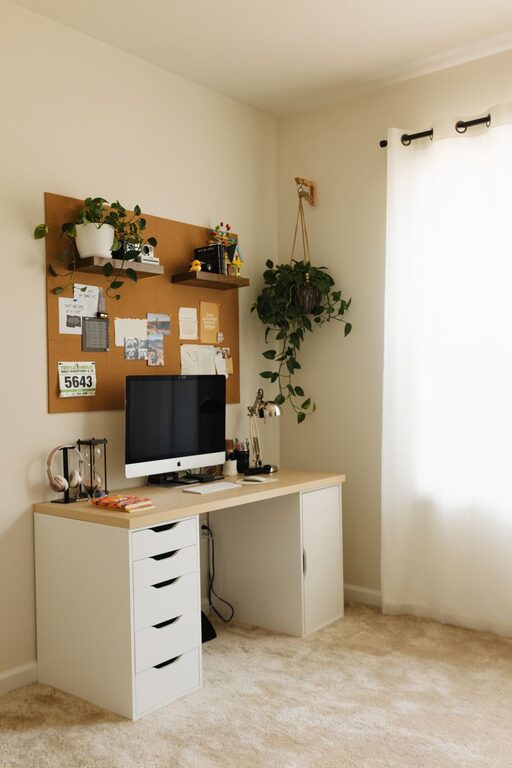
– Install floating shelves for books and décor.
– Use cable organizers to keep cords neat.
– Consider desk organizers for stationery.
Adding warmth to your workspace makes it inviting and uniquely yours.
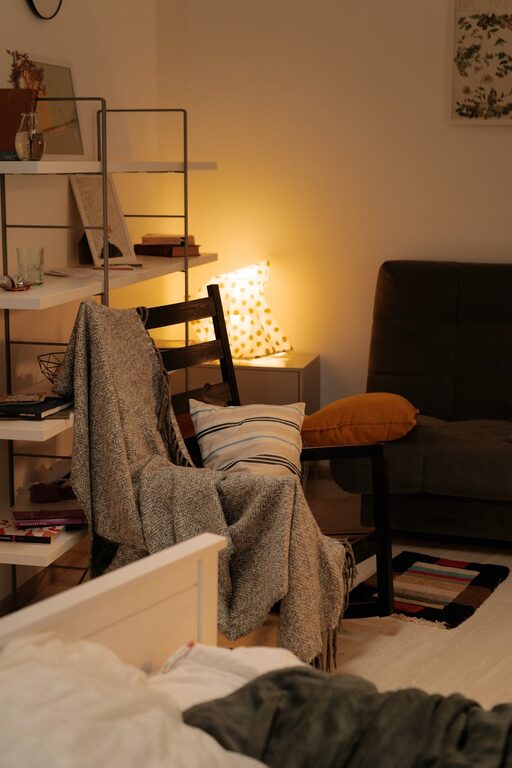
– Add soft textiles like a cushioned seat pad or a small throw blanket.
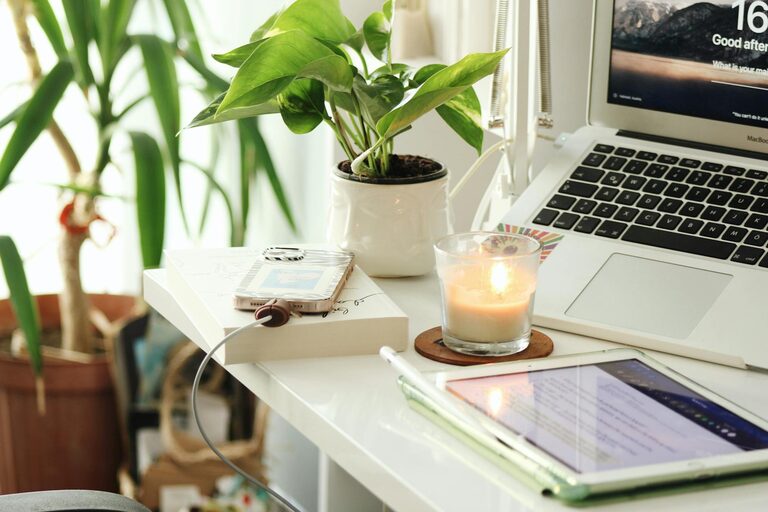
– Place a few plants to bring a bit of nature indoors; they can improve air quality and mood.
– Choose calming colors for your desk accessories or wall décor.
– Use warm lighting options such as desk lamps with adjustable brightness rather than harsh overhead lights.
To minimize work-life blur in your home, establish clear guidelines.
– Define specific work hours.
– Communicate your schedule to household members.
– Create rituals that help you “start” and “end” your workday, like closing your laptop at a certain time.
– Use planners, apps, or sticky notes to organize your day.
– Break work into manageable chunks with breaks in between.
– Prioritize tasks using lists or methods like the Pomodoro Technique to stay focused.
Step away from your desk periodically to stretch, hydrate, and rest your eyes. This helps maintain energy and prevent burnout.
Ensure your workspace has strong Wi-Fi or use a wired connection for stability.
– Invest in a good-quality keyboard and mouse for comfort and ease.
– Use dual monitors if your work involves multitasking.
Designing a cozy and productive home workspace takes some planning but pays off in improved focus, comfort, and work satisfaction. By considering lighting, furniture, organization, and personal touches, you can create a space that supports your best work while keeping you comfortable throughout the day. Remember, small changes can make a big difference — start simple and adjust your workspace as your needs evolve.